


Manage lessons
Creating lesson items
Prepare your billing items for lessons
Before creating your lessons in Plugin.ch, you need to prepare the corresponding billing items. These items define the prices and will enable smooth invoicing during registrations. This is an essential step to associate each lesson with a specific rate.
Open invoicing management
Access the SETTINGS / MANAGE INVOICINGsection. This is the menu from which you can create and manage all your billing items, including those for your lessons.
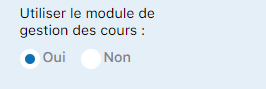
Access the invoicing menu
Locate the "Create items" section
In the invoicing menu, look for the "Create items"section. To display it, click the arrow next to it to expand the section and access the creation form.

The invoicing menu shows the items option
Fill in the fields and create the item
The "Create items" form lets you define the item's name and its characteristics. Complete the required fields (generally the name and the rate) and click the "Add item" button to confirm the creation.
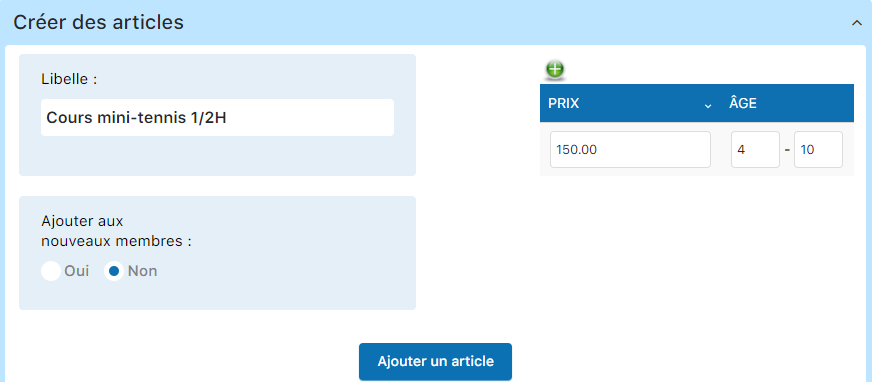
Fill in the form to add a new item
Create items for all your lessons
Repeat this operation for each type of lesson offered. Here are the items to create for our summer 2020 season example:
- Mini tennis ½ H (To be defined according to your pricing)
- Tennis school 1H — 340 CHF
- Competition lesson 1H — 550 CHF
Don't forget to also create variants if some lessons are offered in several durations (for example, tennis school available in 1H and 1H30).
Plugin.ch tutorial — Manage lessons